You've Got Mail!
In the year 2026, SMS is still a surprisingly common way of businesses letting you know important things. One Time Pins from your bank, package delivery notifications, even the product I build at me&u uses SMS for guest login. This posed a problem to me on my latest trip to Melbourne in Australia - the apartment I was staying in very graciously allowed me to check-in late and they promised to SMS me the door code 12 hours before arrival. The problem was, 12 hours before check-in I was already in Dubai Airport, 14 hours since I last had phone signal. The problems didn't stop there, Black Friday deliveries were done with a wish and a prayer, just checking reception each day hoping there hadn't been an issue. I couldn't even use the me&u app, with my colleagues graciously spotting me whenever we visited customers.
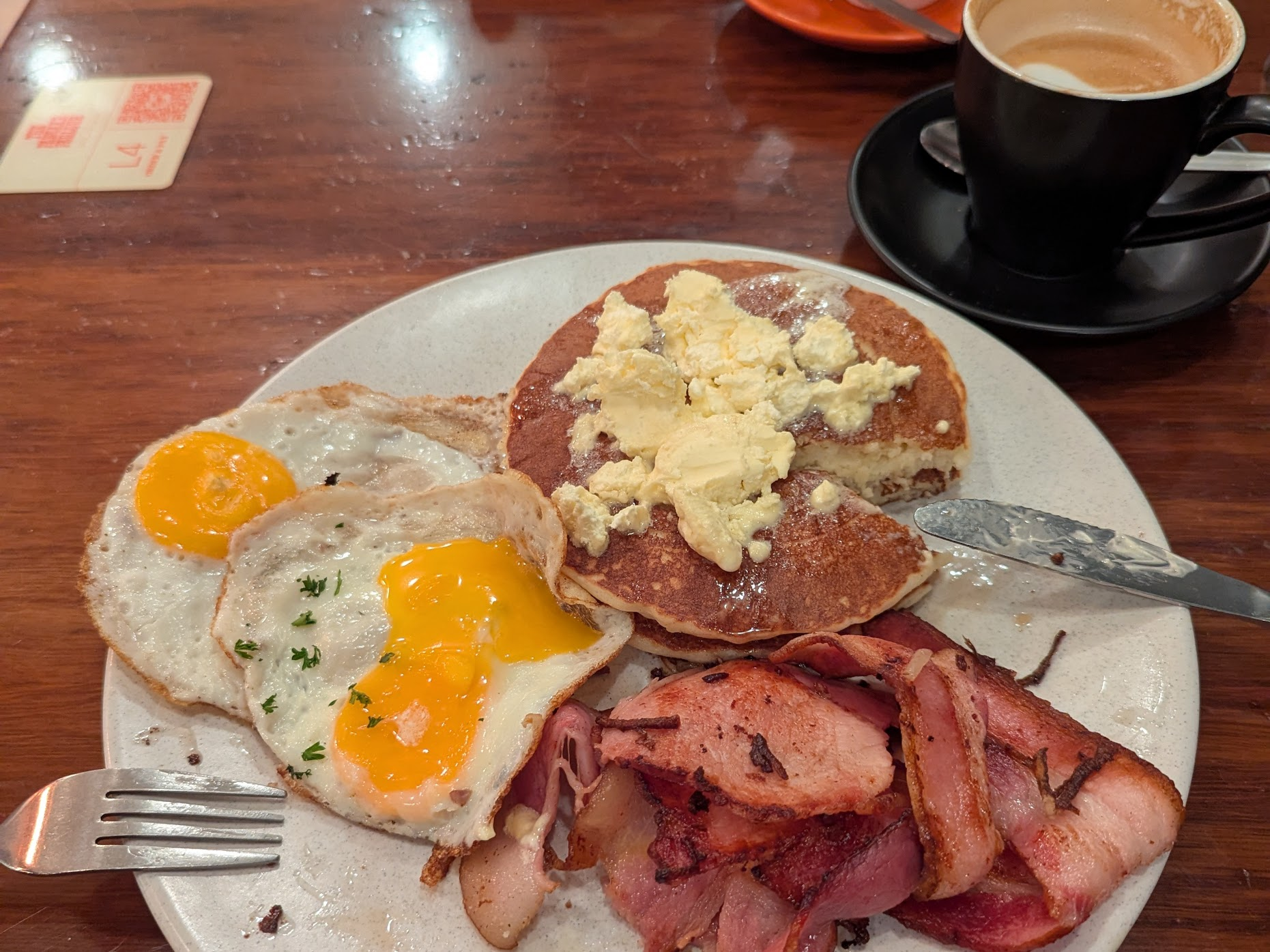
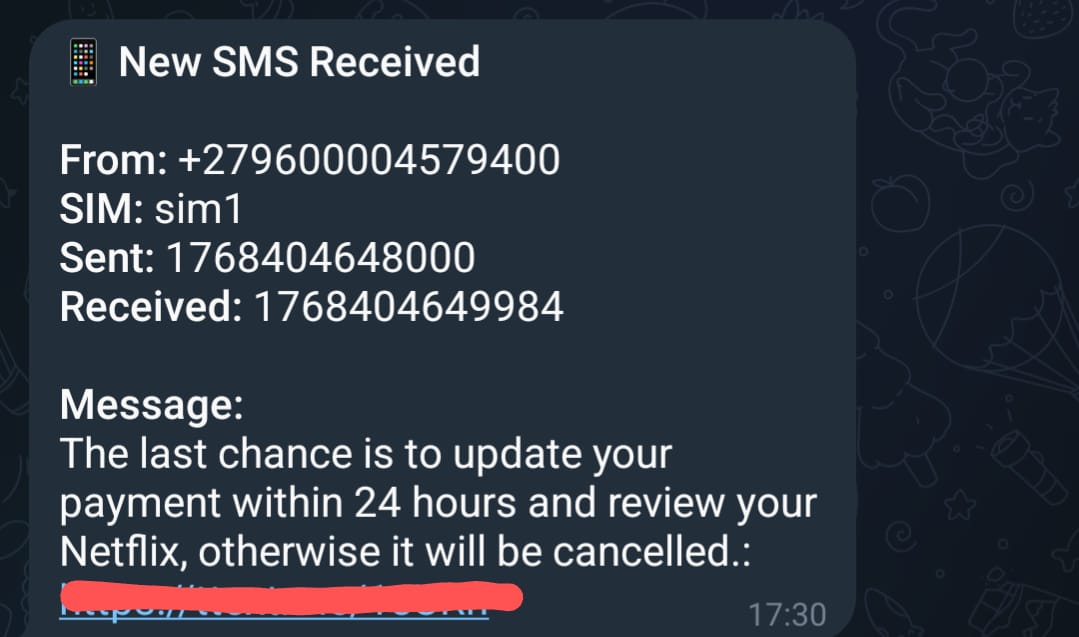
Cell carriers have a solution to this: Roaming - charging me 5x times the cost price to receive a spam SMS telling that my Netflix subscription will be cancelled if I don't respond to their survey. I'm fundamentally opposed to roaming from the beginning, but because the SIM with my number on it is prepaid, I haven't even managed to get it working. In the past I have used SMS forwarding apps from the Play Store which forward your SMSs to your email but they all have the same playbook of forcing you to upgrade to premium only to have the app stop working after a few hours, leaving you $5 poorer and still unable to order pancakes.
This time I wanted a better solution, so instead of searching for "SMS Forwarding" on the Play Store I instead asked Google for "SMS Forwarding Github" and after a few abandoned projects and high touch, terminal based solution I found this, the Incoming SMS to URL forwarder by bogkonstantin. The application is open source but, more crucially for me, hosted on F-Droid so I could install the APK without having to spin up my dusty Android Studio installation (although tbh it would be my laptop's fans doing the spinning).
Now I had SMSs forwarding to a URL, but what could I put at the end of that URL that would allow me to read them in a secure way? Luckily bogkonstantin had the answer to that too, suggesting a Telegram bot in the README. I had actually used Telegram in an old project where I built a Raspberry Pi camera that could show me a picture of the garage door so I could catch when I accidentally left it open, so I'm pretty familiar with the process.
So I set myself the challenge: how fast could I get this into production? This is how it went down:
- Create a new A record on my domain
- Start here to give the DNS as much time as possible to propagate
- Create a new JS project with a single dependency on Express that does a single API call to the Telegram bot API in response to the SMS payload
- Grab my bot token and chat ID from Telegram, feed them into the .env and run a CURL locally to test that the forwarding works
- Write a
Dockerfilethat simply copies three files into the image, runsnpm iand thennpm start, and then adocker-compose.ymlto spin up the image and expose the port on the host machine - Push the code to Github
- Create a new LXC in Proxmox, install Docker, pull the code and run
docker compose up -d- Ensure the LXC is set to start at boot
- Update my traefik LXC with a new entry to route my A record to the port I exposed on the sms-forward LXC.
- Send SMS, get Telegram, profit!
All told this took under an hour, which is a result I'm pretty happy with. There is now a spare phone sitting on my shelf that will send me a Telegram when it receives an SMS, forward calls to me when I'm in the country and then when I'm abroad it will forward them to my partner so I am safe from door code and pancake calamities.